

Learn all the best practices on how to set up your account.
Not yet an affiliate? Register Now!
Your account must include details about your activity as a Fiverr Affiliate and payment information.
To create your account:
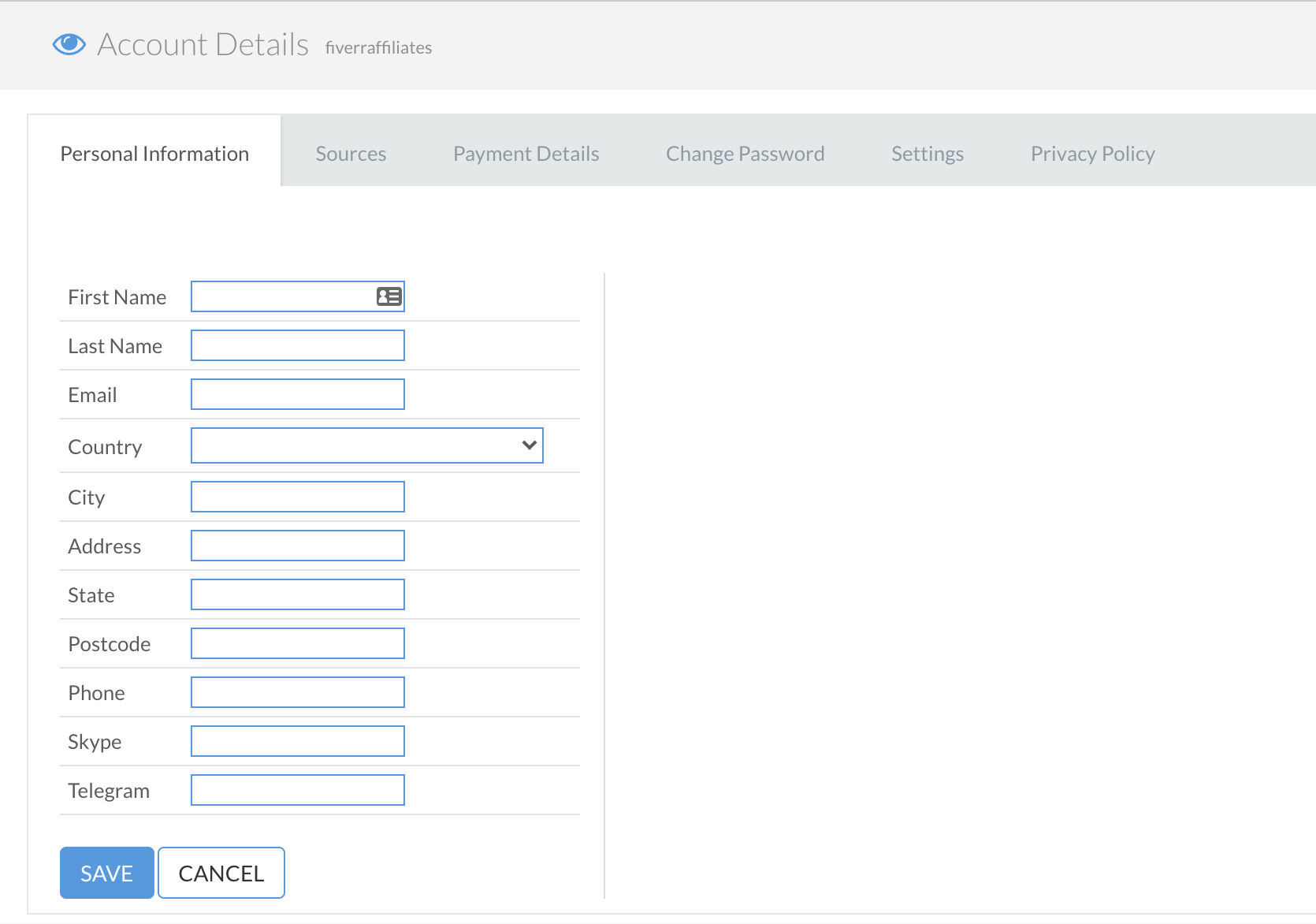
- Login to your account here Go to “Account Details” and select “Personal Information”. Click EDIT, and fill in your company’s details or your private information. Once you’re done, click SAVE.
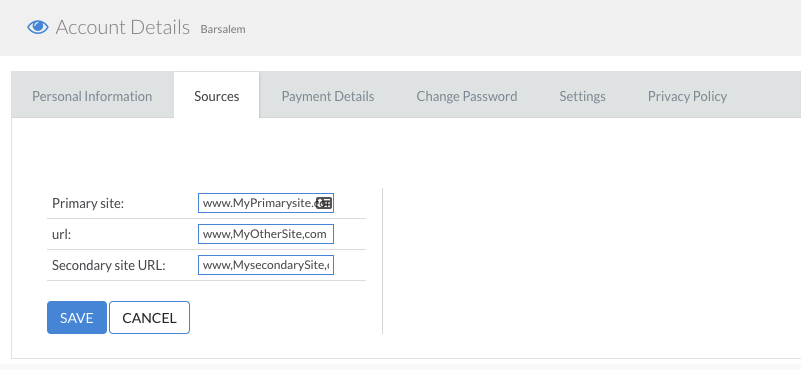
- Under “Sources” provide the source that you plan to use to promote Fiverr. It can be a website, a Facebook page, an Instagram account, a blog, a LinkedIn page, a YouTube account, etc. Click EDIT, and fill in your sources. Once you’re done, click SAVE.
For a company account, please provide your official website or LinkedIn page.
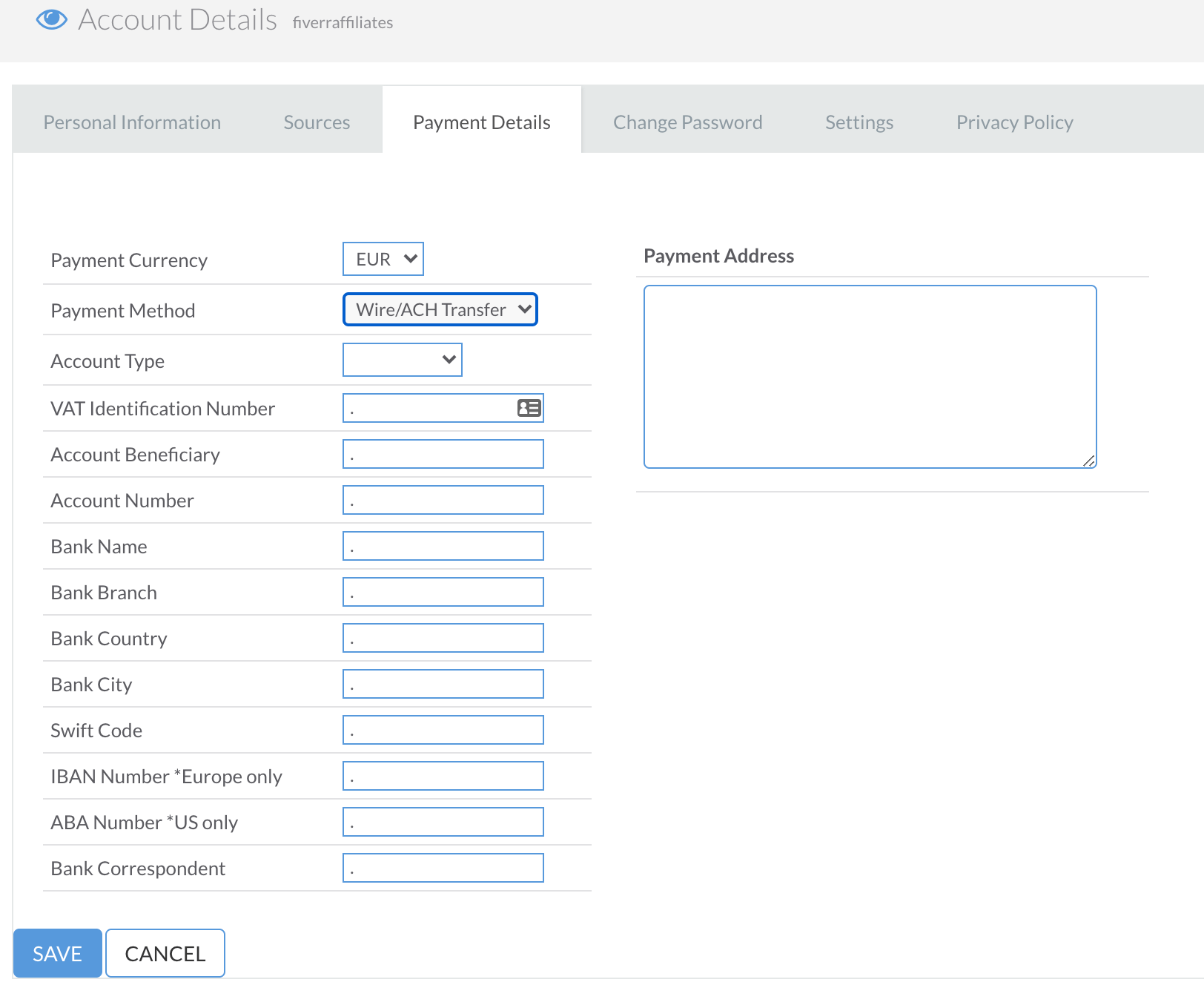
- Under “Payment Details” click EDIT to add your payment details, including payment method, currency, address, and account type.
- If you don't have a Payoneer account then Click Here and make a account first
Click here for full terms and conditions regarding commission currency options.


0 Comments